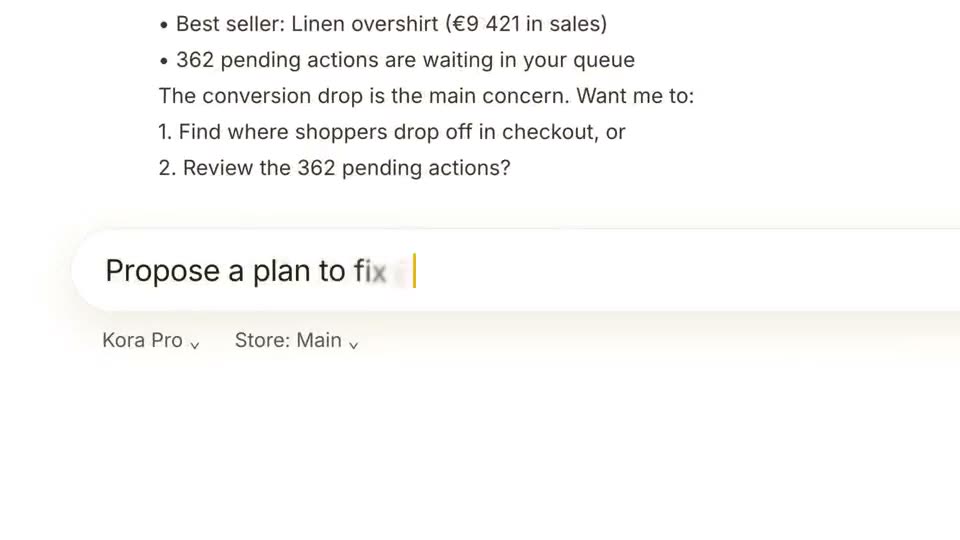
 Length 0:39
AI Assistant Feature Demo
Best for: AI assistant and analytics feature announcements
Feature announcement template
A violet-on-black feature launch: brand guidelines dropped onto an upload card, read row by row, then a typed prompt and the generated posts, web hero, film and square ad. It runs about 48 seconds in 16:9, in 13 scenes, and opens in ASAP Motion as an editable project: replace the copy, images and logo, change the colors and timing, then export an MP4.
Updated
The beats of the template in order. Every line is yours to rewrite.
“Use this template” opens Brand Kit Feature Launch in the app’s template library. Create a free account if you do not have one.
Swap in your own: product and feature name, the uploaded file and the rows it reads, the typed request, images for each generated piece, logo.
Adjust how long each scene holds, remove the ones you do not need, then export an MP4.
Yes. It is included on every ASAP Motion plan, including Free. Exports on the Free plan carry a small watermark; Pro and Studio exports have none.
About 48 seconds, in 13 scenes. Remove or shorten scenes in the timeline for a shorter cut, for example a teaser for social.
Product and feature name, The uploaded file and the rows it reads, The typed request, Images for each generated piece, Logo. You edit everything in your browser; no After Effects or animation experience is needed.
Length 0:39Best for: AI assistant and analytics feature announcements
 Length 0:40
Best for: Security, data and developer tools
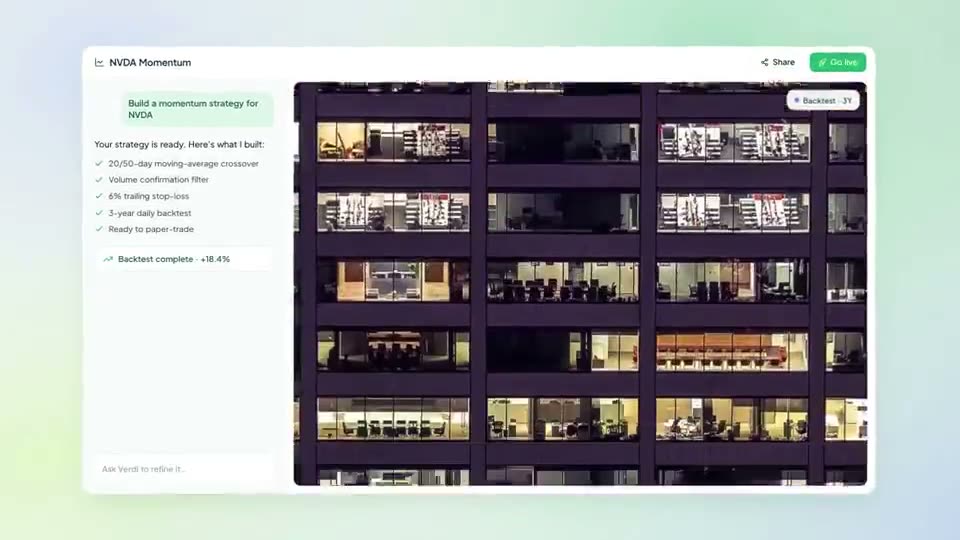 Length 0:45
Best for: Contests, challenges, limited-time offers and events
Trusted by 1,000+ creators
Open the template free, make it yours in the browser, and export an MP4.
We use cookies to understand how visitors use our site and to improve your experience. You can accept or reject analytics cookies, and change your choice at any time. Learn more in our Privacy Policy.


