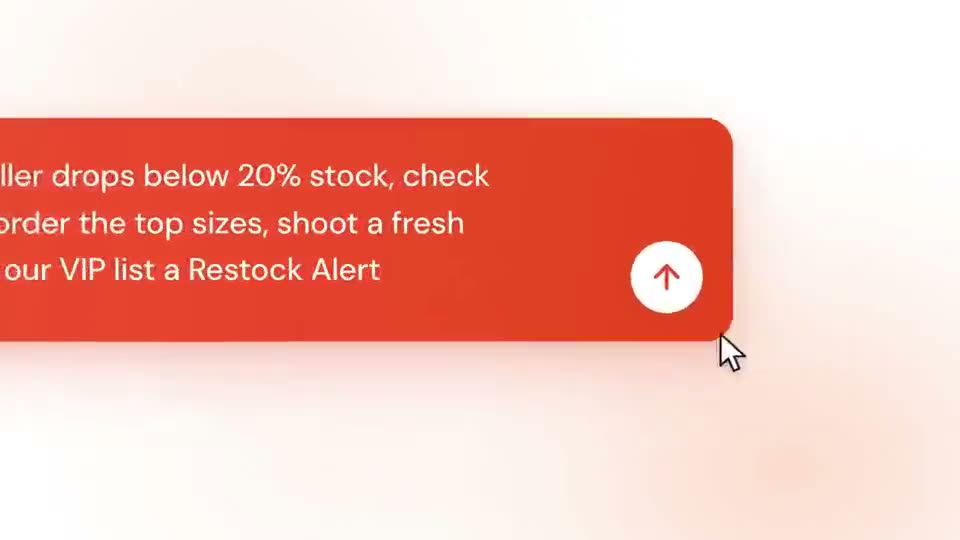
 Length 0:55
Fashion AI Agents Explainer
A soft peach explainer showing a typed request turning into a team of AI agents at work, with a narrated walkthrough.
Best for: Retail, fashion-tech and workflow automation explainers
Templates
A product walkthrough takes a viewer through a workflow step by step: where they start, what they do, and what they get. These templates frame your screens in dashboards, chats and device mockups with motion that keeps each step readable. Drop in your screenshots or recordings, retime the steps and export an MP4.
Updated
Each is a full, editable project included on every plan. Open one to see its scenes and what to replace.
Length 0:55A soft peach explainer showing a typed request turning into a team of AI agents at work, with a narrated walkthrough.
Best for: Retail, fashion-tech and workflow automation explainers
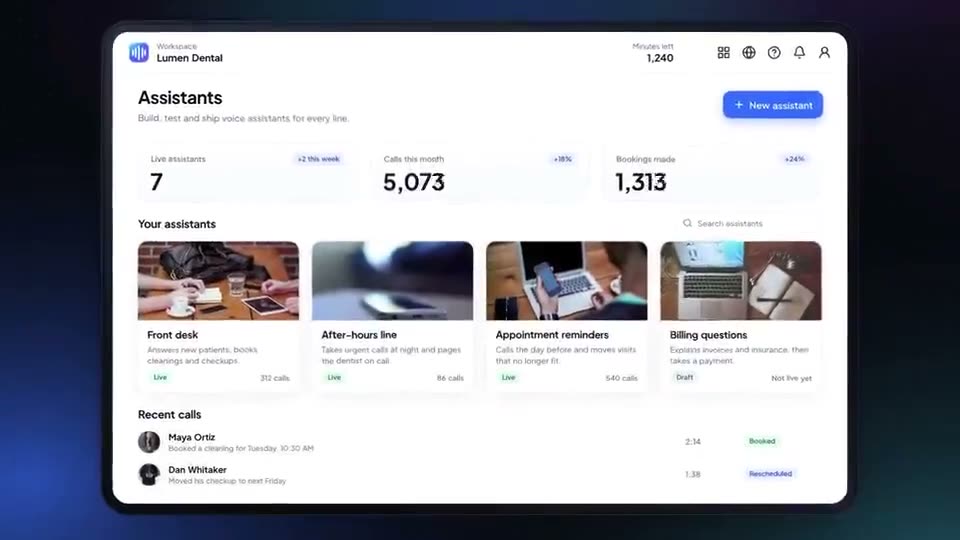 Length 0:54
A navy product walkthrough with a cyan-to-violet accent: kinetic lines, a tablet dashboard, a template card springing out in 3D, a copilot chat and a one-click deploy.
Best for: AI builders, no-code tools and developer platforms
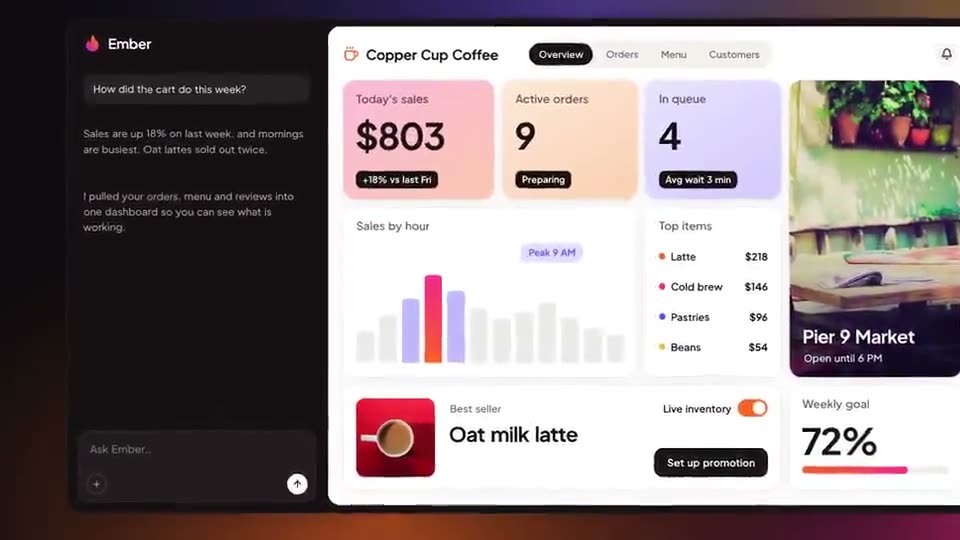 Length 1:19
A dark product walkthrough with orange and pink washes: an app opens from the dock, analytics fill in, a request is typed, ad accounts connect and story ads play on phones.
Best for: Marketing, advertising and small-business tools
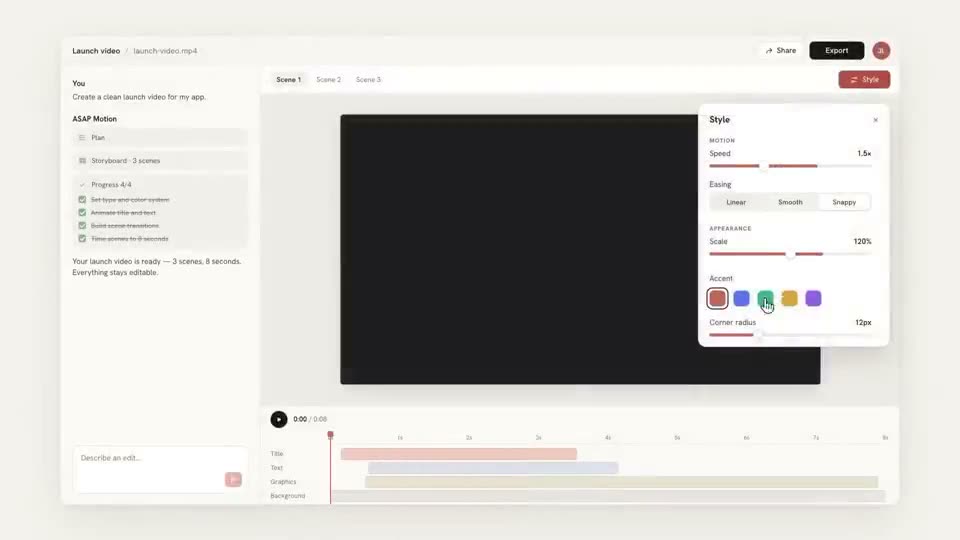 Length 0:34
A restrained, editorial walkthrough on warm paper tones in five steps: prompt, generate, edit, preview, export.
Best for: Demoing any app in five steps with your own footage
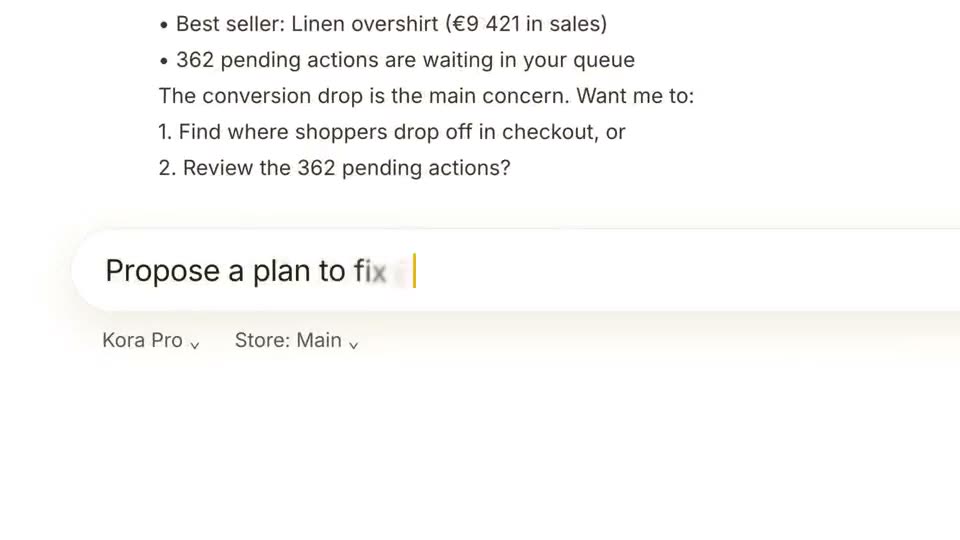 Length 0:39
A bright yellow and white feature demo: a typed request, a live report and a step-by-step plan, ending on a clear call to action.
Best for: AI assistant and analytics feature announcements
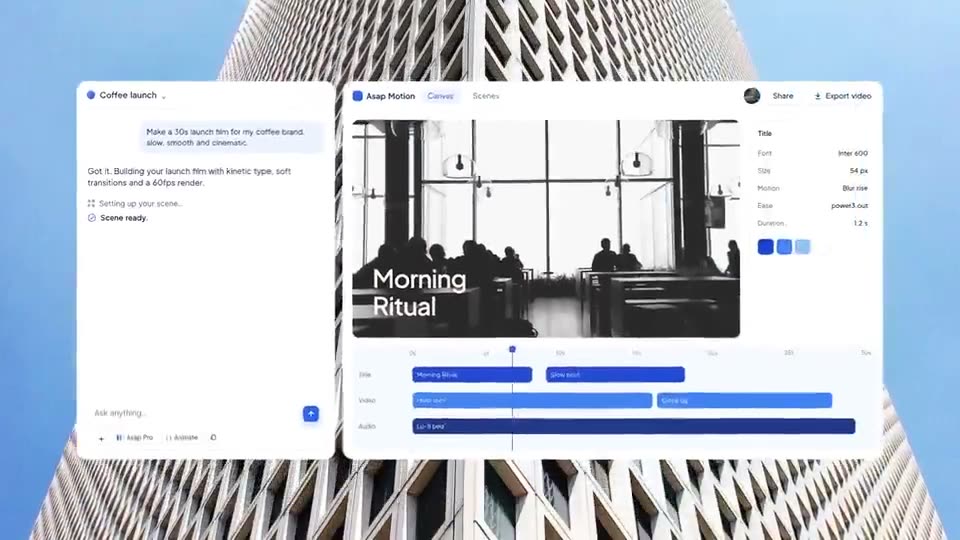 Length 0:48
A bright blue launch film that walks from prompt to edit to export, with a drifting photo wall and a clear call to action.
Best for: Creative software and AI tools
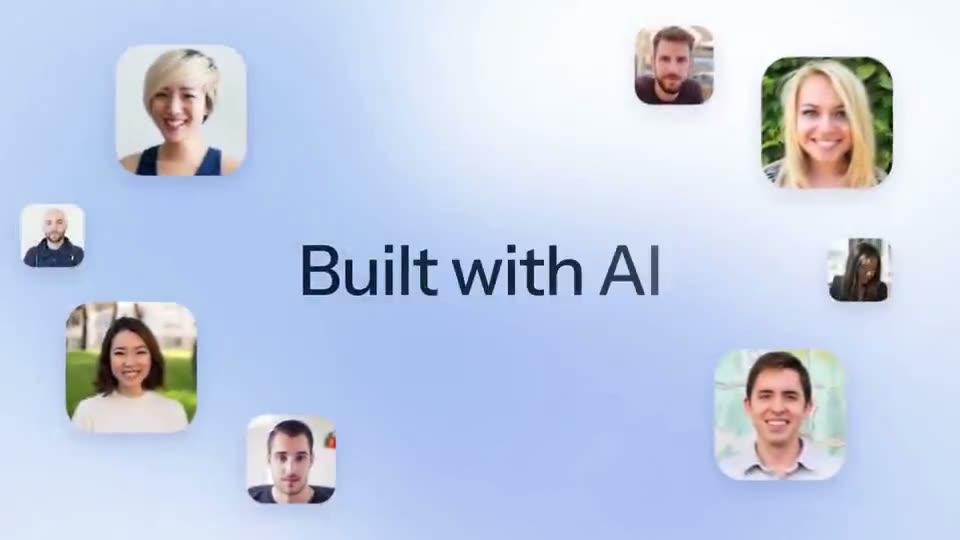 Length 0:36
A soft sky-blue promo with a typed prompt, stacked image results, floating portraits and a simple four-step flow, narrated throughout.
Best for: Photo, image and creative AI apps
A walkthrough lives or dies on the interface. Capture clean screenshots at full size and crop out browser chrome.
Give every step time to be read. If a step needs more than a line of explanation, split it into two scenes.
A short label for each step ("Connect", "Generate", "Deploy") lets people follow with the sound off.
Yes. Upload images or video to the project and place them in the template’s screens. Uploads are images and video files up to 15 MB each.
A demo shows the product in use, step by step. An explainer teaches an idea or a problem, and may show the product only at the end. These templates are demos; see the explainer use case for the other kind.
Launch films for apps, SaaS and AI tools: hook, product in use, call to action.
One new capability, shown end to end, for changelogs, socials and release notes.
Prompt-to-result promos for chat assistants, image tools and creative AI apps.
Dashboards, figures and brand films for trading, investing and money apps.
Brand reels, funding news, kinetic quotes, portfolio reels and editorial explainers.
Trusted by 1,000+ creators
Start free: describe an animation, edit it in your browser, and export an MP4.
We use cookies to understand how visitors use our site and to improve your experience. You can accept or reject analytics cookies, and change your choice at any time. Learn more in our Privacy Policy.


