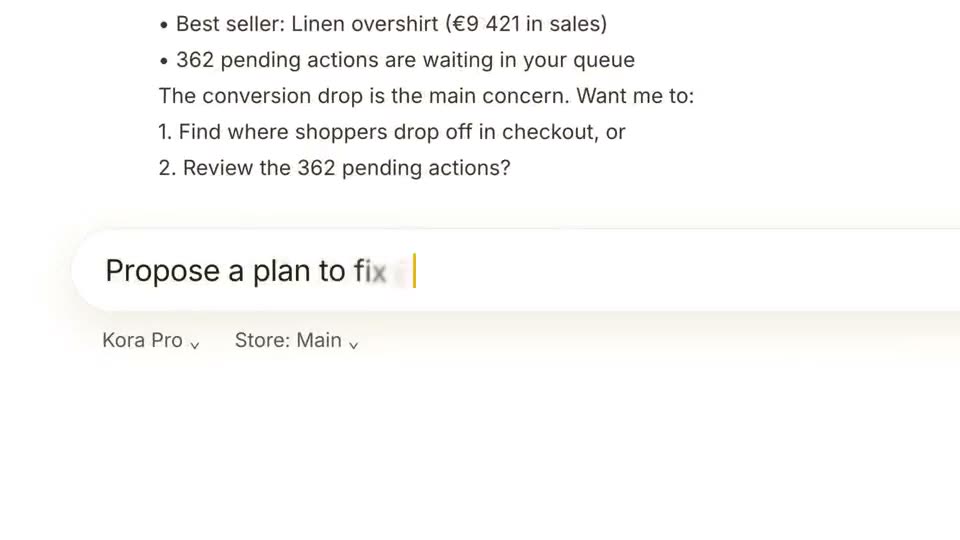
 Length 0:39
AI Assistant Feature Demo
A bright yellow and white feature demo: a typed request, a live report and a step-by-step plan, ending on a clear call to action.
Best for: AI assistant and analytics feature announcements
Templates
A feature announcement video shows one new capability end to end: name it, show the input, show the result, and tell people where to try it. These templates are built around that arc, from a single prompt-box teaser to a full feature launch. Edit the copy and screens in your browser and export an MP4.
Updated
Each is a full, editable project included on every plan. Open one to see its scenes and what to replace.
Length 0:39A bright yellow and white feature demo: a typed request, a live report and a step-by-step plan, ending on a clear call to action.
Best for: AI assistant and analytics feature announcements
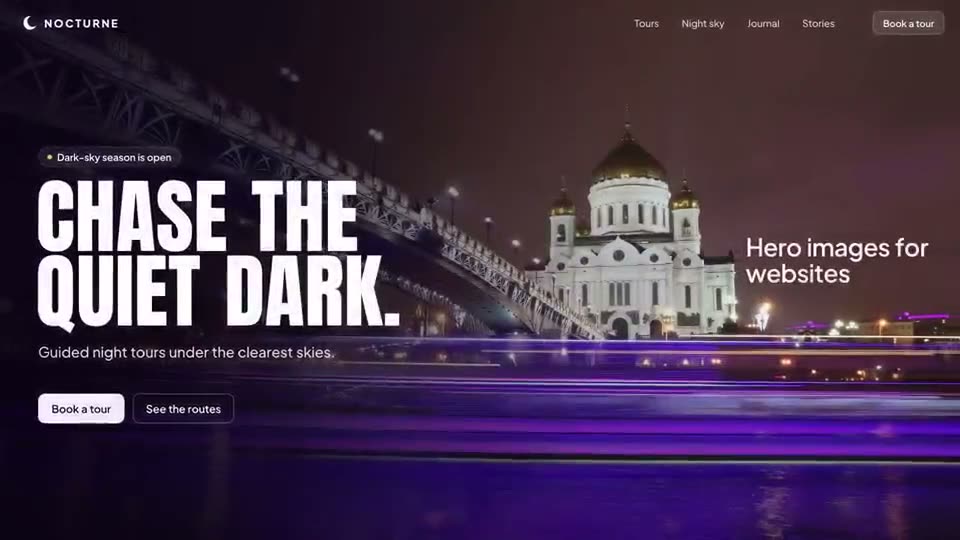 Length 0:48
A violet-on-black feature launch: brand guidelines dropped onto an upload card, read row by row, then a typed prompt and the generated posts, web hero, film and square ad.
Best for: Creative and marketing AI tools announcing a new feature
 Length 0:40
A crisp light-blue launch built on grids and pixels: a card folds into a scanning grid, findings pop onto rings and a zoom-through ends on the logo.
Best for: Security, data and developer tools
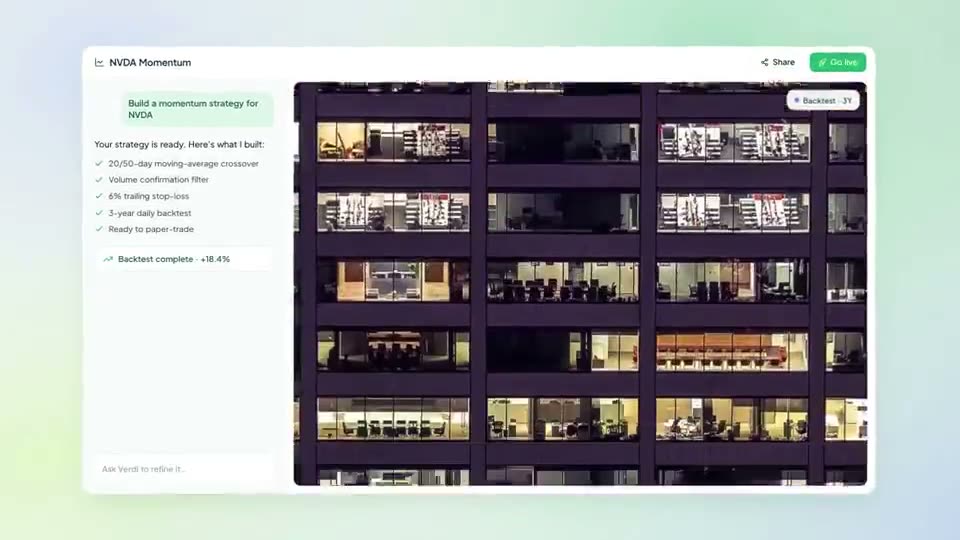 Length 0:45
A fresh light-green announcement: a headline turns to embossed glass, an app window grows from a prompt bar, highlighted lines state the offer and the prize, and a wall of entries ends in a submit press.
Best for: Contests, challenges, limited-time offers and events
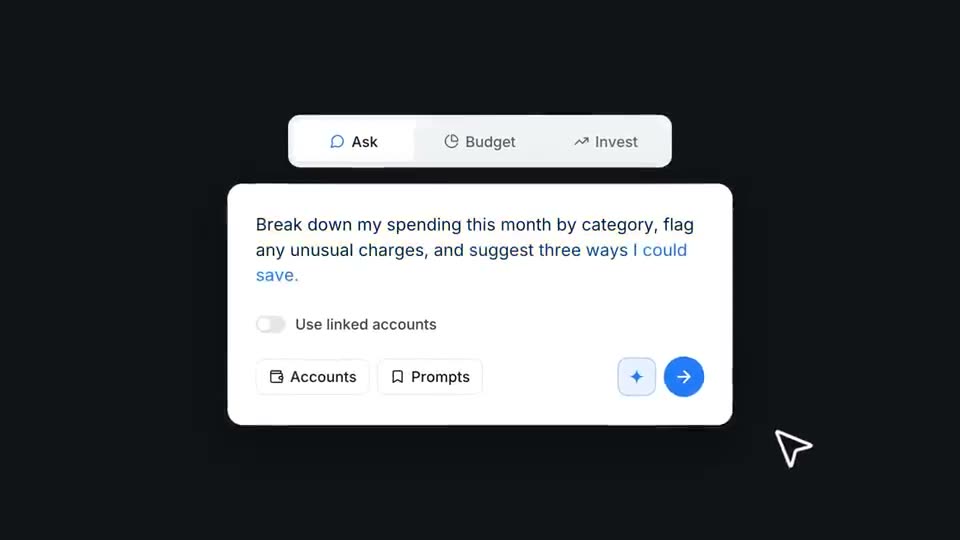 Length 0:25
A short, bold teaser in electric blue and black: serif headlines, an oversized cursor and one focused prompt-box demo.
Best for: Announcing a single feature of a finance or money app
 Length 0:52
A punchy orange-glow promo on black: big words that settle into lines, apps riding an arc, a with-and-without bar chart, tilted product screens and flipping benefit coins.
Best for: AI chat, productivity and workspace assistants
A changelog clip that lists five features is remembered for none. Give each feature its own short video.
The typed request and the result it produces are the story. Keep both on screen long enough to read.
End on the exact place to try it: the menu, the plan, or the link. A vague "try it today" wastes the last beat.
The feature name, the problem it solves, the feature in use with a real input and output, and a call to action that says where to try it. Twenty to forty-five seconds is usually enough.
Yes. Export an MP4 and upload it natively. The templates are 16:9; for vertical feeds, describe a 9:16 version in a prompt and ASAP Motion generates it in that format.
Launch films for apps, SaaS and AI tools: hook, product in use, call to action.
Step-by-step workflow videos that frame your own screens and recordings.
Prompt-to-result promos for chat assistants, image tools and creative AI apps.
Dashboards, figures and brand films for trading, investing and money apps.
Brand reels, funding news, kinetic quotes, portfolio reels and editorial explainers.
Trusted by 1,000+ creators
Start free: describe an animation, edit it in your browser, and export an MP4.
We use cookies to understand how visitors use our site and to improve your experience. You can accept or reject analytics cookies, and change your choice at any time. Learn more in our Privacy Policy.


