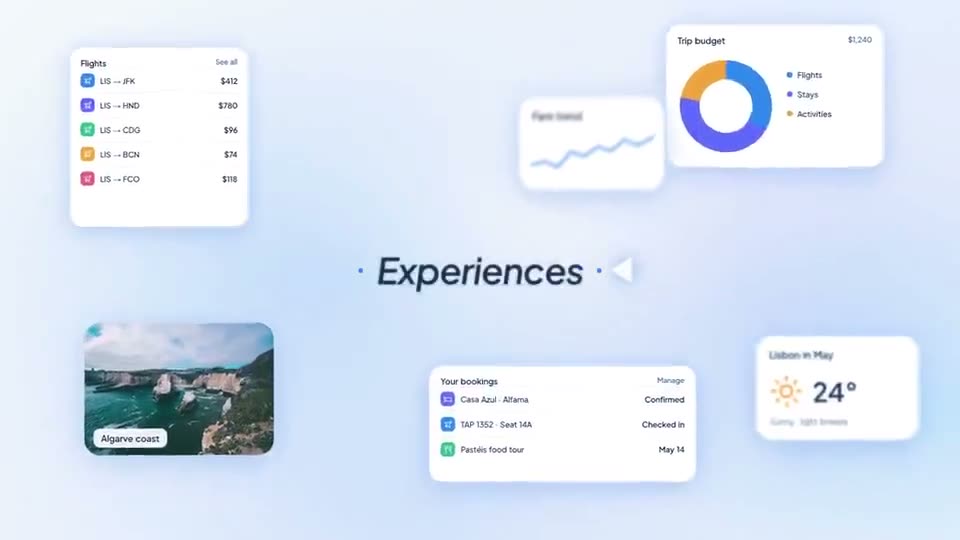
 Length 0:45
Travel App Launch
Best for: Travel, booking and consumer app launches
Product launch template
A light blue launch film: a turning word list, a dot field around the headline, dark interludes for the pain points, a dashboard window and a lesson card with a quiz. It runs about 38 seconds in 16:9, in 11 scenes, and opens in ASAP Motion as an editable project: replace the copy, images and logo, change the colors and timing, then export an MP4.
Updated
The beats of the template in order. Every line is yours to rewrite.
“Use this template” opens Course Platform AI Launch in the app’s template library. Create a free account if you do not have one.
Swap in your own: audience words and headline, pain points, dashboard and lesson screenshots, logo and end card.
Adjust how long each scene holds, remove the ones you do not need, then export an MP4.
Yes. It is included on every ASAP Motion plan, including Free. Exports on the Free plan carry a small watermark; Pro and Studio exports have none.
About 38 seconds, in 11 scenes. Remove or shorten scenes in the timeline for a shorter cut, for example a teaser for social.
Audience words and headline, Pain points, Dashboard and lesson screenshots, Logo and end card. You edit everything in your browser; no After Effects or animation experience is needed.
Length 0:45Best for: Travel, booking and consumer app launches
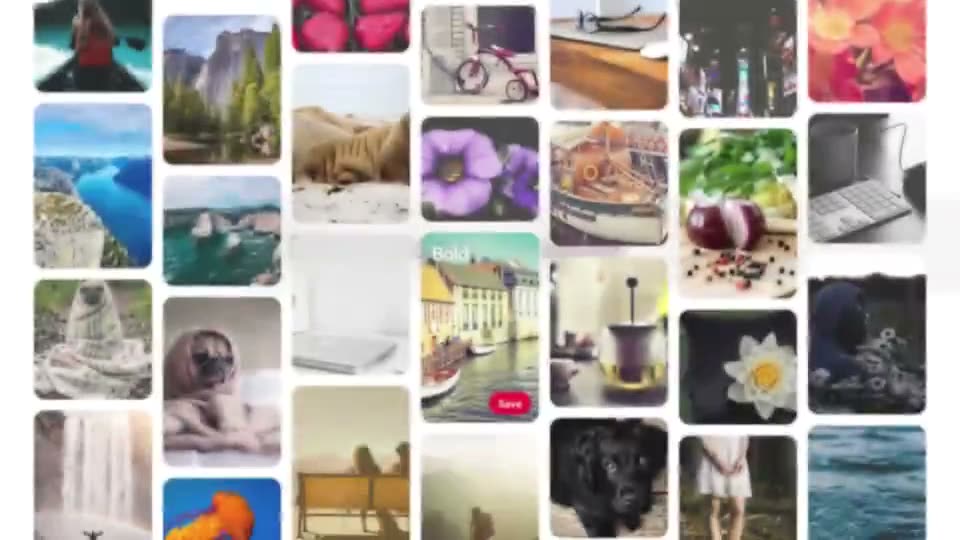 Length 0:22
Best for: Discovery, mood-board and creative-tool promos
 Length 1:00
Best for: Voice assistants and consumer AI apps
Trusted by 1,000+ creators
Open the template free, make it yours in the browser, and export an MP4.
We use cookies to understand how visitors use our site and to improve your experience. You can accept or reject analytics cookies, and change your choice at any time. Learn more in our Privacy Policy.


