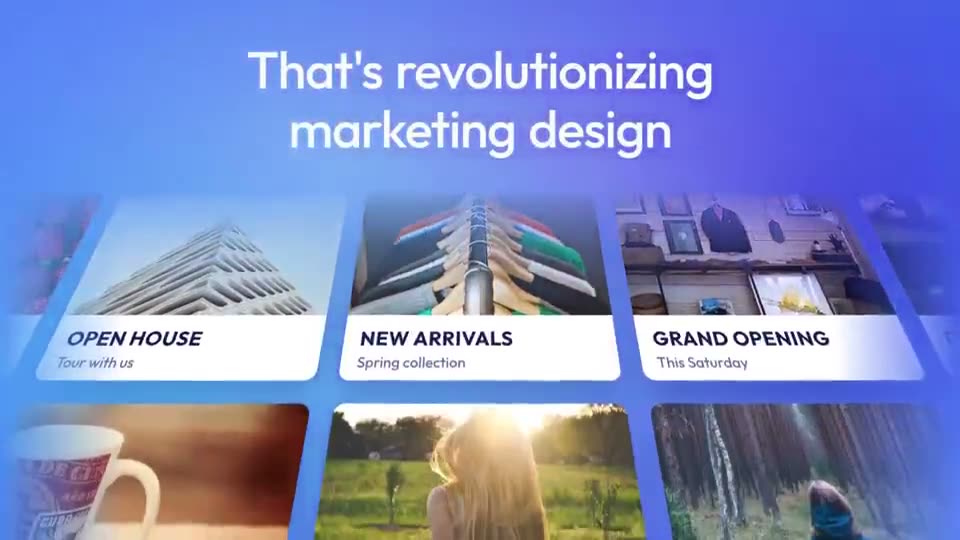
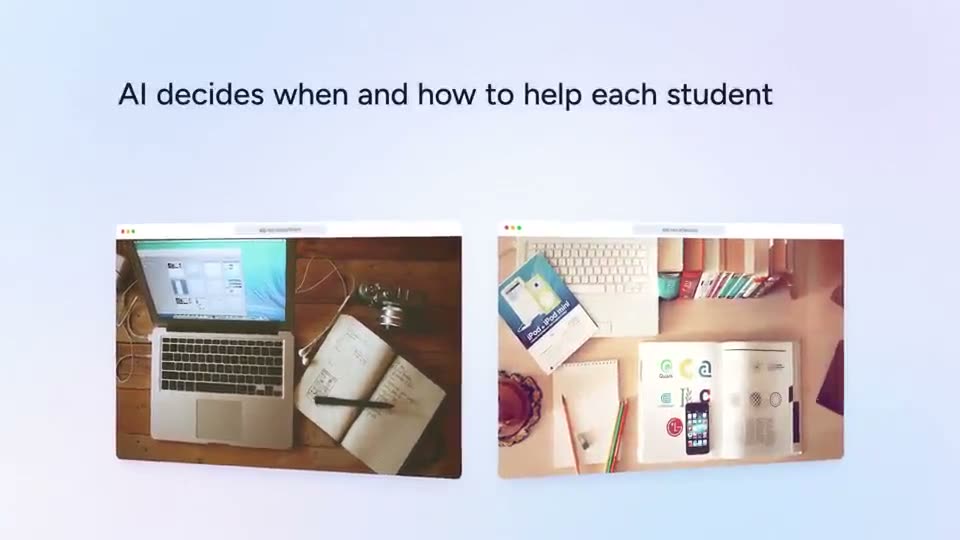
The template
Copy this into a doc and fill in each beat. Square brackets are yours to replace.
HOOK (2 to 3 s)
[The outcome, or the pain, in 3 to 6 words]

PROBLEM (3 to 6 s)
[What people do today, and why it hurts, in one line]

PRODUCT (12 to 30 s)
Introducing [product name].
[Step 1: what you do]        → screen: [screenshot]
[Step 2: what it does]       → screen: [screenshot]
[Step 3: what you get]       → screen: [screenshot]

PROOF (3 to 6 s)
[One number, one quote, or one before-and-after]

CALL TO ACTION (3 to 5 s)
[Verb] at [place]. [Logo]
How many words for each length
On-screen text is read, not heard, so it needs fewer words than a voiceover. These budgets assume short lines and enough time to read each one.
| Video length | On-screen text | Voiceover (if any) | Product scenes |
|---|---|---|---|
| 15 seconds | 20 to 30 words | 35 to 40 words | 1 |
| 30 seconds | 40 to 60 words | 70 to 80 words | 2 to 3 |
| 45 seconds | 60 to 90 words | 105 to 120 words | 3 to 4 |
| 60 seconds | 80 to 120 words | 140 to 160 words | 4 to 5 |
A worked example
Here is the template filled in for an imaginary note-taking app, at about 30 seconds.
HOOK
Your meeting notes, written for you.

PROBLEM
You spend the meeting typing instead of listening.

PRODUCT
Introducing Notewell.
Hit record when the call starts.         → screen: record button
Notewell writes the summary as you talk. → screen: live summary
Action items land in your task list.     → screen: task list

PROOF
Teams save 3 hours a week.

CALL TO ACTION
Try it free at notewell.app
That is 52 words of on-screen text. Every line is under nine words, and each product line has a screen that proves it.
Rules that make scripts better
- Write the hook last. Once the rest is written, the hook is usually the outcome from your proof line, said as a promise.
- One idea per line. If a line has “and” in it, it is probably two lines.
- Use your users’ words. Lift phrases from support tickets, reviews and sales calls. They convert better than anything you invent.
- Name the product once, early. After “Introducing”, show it rather than repeating the name.
- Make the call to action specific. “Try it free at notewell.app” beats “Learn more”.
- Only claim what is true today. If the number is from a beta, say so, or leave it out.
Turning the script into a video
Once the script is written, the video is mostly assembly:
- Pick a launch template with the same number of product scenes, for example Course Platform AI Launch for three, or AI Marketing Platform Promo for a longer story.
- Paste each line into its scene and drop in the matching screenshot.
- Retime scenes so each line holds long enough to read.
Or paste the whole script as a brief into the Launch video card in ASAP Motion, confirm the storyboard it proposes, and edit from there. The step-by-step version is in how to make a product launch video.
Voiceover or not?
Write for silent viewing first: most social video autoplays muted. If you add a voiceover, keep it close to the on-screen text so the two reinforce each other instead of competing. A template with music or narration gives you a starting rhythm; you can add your own audio file to a project and it is included in the exported MP4.