The specs
| Setting | Value |
|---|---|
| Aspect ratio | 9:16 (vertical) |
| Resolution | 1080 × 1920 pixels |
| File | MP4 |
| Frame rate | 30 fps, or 60 fps for fast motion |
| Length | 6 to 30 seconds for most graphics |
The same 9:16 file works for Instagram Reels and Stories, TikTok and YouTube Shorts. ASAP Motion creates 9:16 projects at 1080 × 1920, with a 4K version on Pro and Studio.
Keep text inside the safe area
Each app draws its own interface over your video: the caption and account name at the bottom, buttons on the right, and sometimes a header at the top. Anything you put there may be covered.
A simple rule that works across apps:
- Keep important text and logos in the middle of the frame.
- Leave roughly the top 12% and bottom 20% free of anything that must be read.
- Keep a margin of about 8% on the right for the like and share buttons.
Backgrounds and decoration can run to the edges; only the message needs to stay in the safe area.
Make type readable on a phone
Vertical video is watched at arm’s length, often in passing:
- Use large type. Headlines around 80 to 120 pixels tall at 1080 wide are a good starting point.
- Keep lines to three to six words.
- Hold each line for at least a second and a half.
- Use strong contrast. Thin type on photos disappears.
Hook in the first second
People decide in the first second whether to keep watching. Open on the message or the most visual moment, not on a logo or a slow fade-in. Put the brand at the end.
Design for sound off
Most vertical video autoplays muted. The message has to work as text on screen; music and voiceover are a bonus, not a requirement.
Turning a 16:9 video into 9:16
Cropping a landscape video to vertical usually cuts off the text. Better options:
- Generate a vertical version. Describe the same video in a prompt and ask for 9:16. ASAP Motion builds it in that format from the start.
- Rebuild the key scenes. Take the hook, one product moment and the call to action, and lay them out vertically.
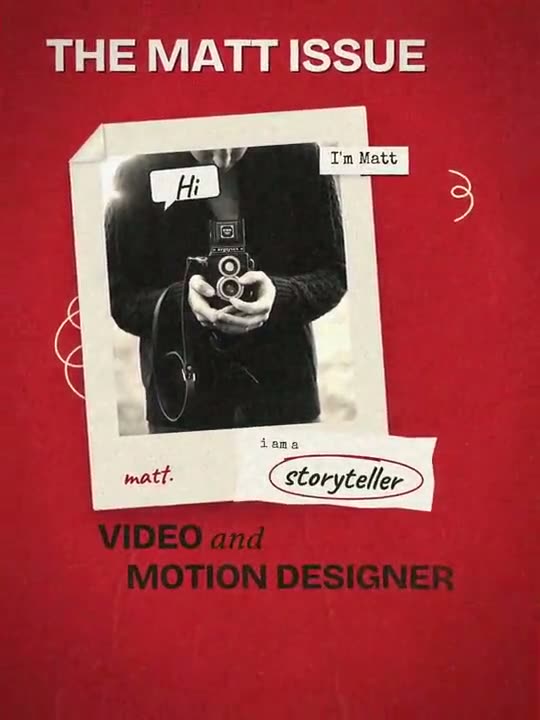
The Scrapbook Portfolio Reel is a portrait template you can start from for personal and creator reels.
Export and upload
Export an MP4 and upload it natively to each app; links to other platforms reach fewer people. 1080p is enough for social, because the apps recompress uploads. Choose 60 fps on Pro or Studio if your video has fast motion and you want it smoother on phones that play it. More detail is in export settings for motion graphics.
Ideas that work well vertically
- A kinetic quote or manifesto line.
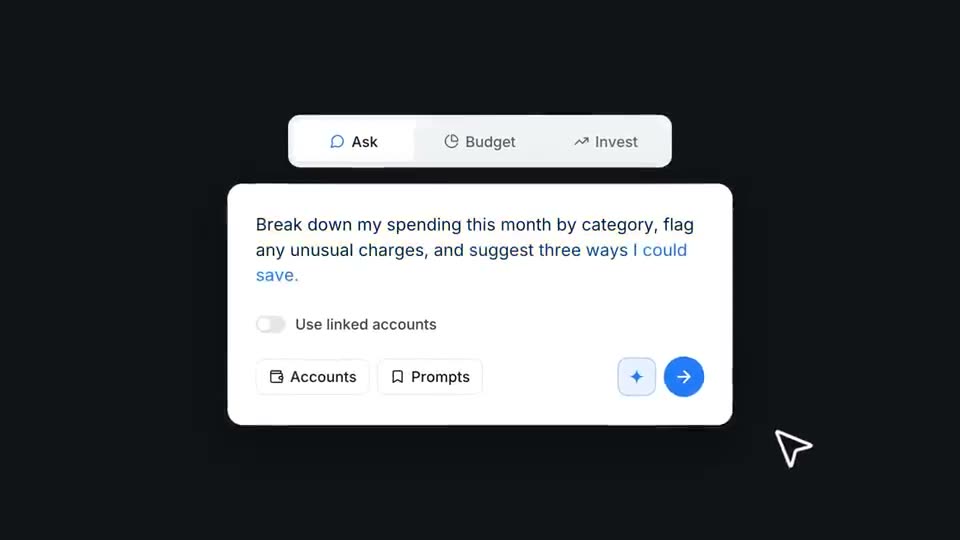
- A one-feature teaser, like Finance Assistant Teaser, rebuilt in 9:16.
- A launch cut-down: hook, one product scene, call to action.
- A stat or milestone, with the number large.
- A creator or portfolio intro.
See the social media animation use case for prompts.