The short answer by placement
| Where the video plays | Aspect ratio | Resolution | Frame rate |
|---|---|---|---|
| Website hero or landing page | 16:9 | 1080p | 30 fps |
| YouTube | 16:9 | 1080p, or 4K for large screens | 30 or 60 fps |
| Reels, TikTok, YouTube Shorts | 9:16 | 1080 × 1920 | 30 or 60 fps |
| Instagram and LinkedIn feed | 1:1 or 9:16 | 1080p | 30 fps |
| Presentation or event screen | 16:9 | 4K | 30 or 60 fps |
| Ads | Match each placement | 1080p | 30 fps |
All of these are MP4 files, which play everywhere: browsers, social apps, presentation software and video editors.
Resolution: 1080p or 4K?
1080p (1920 × 1080 for landscape) is right for almost every web and social use. Social apps recompress uploads, so a 4K upload rarely looks better in a feed, and the file is much larger.
4K (3840 × 2160 for landscape) is worth it when:
- the video plays on a large screen, such as an event, a lobby or a TV,
- you plan to crop or punch in later in an editor,
- you deliver to a client who asks for it.
In ASAP Motion, every plan exports at 1080p; Pro and Studio add 4K.
Frame rate: 30 or 60 fps?
30 fps is the default for most motion graphics. Type, shapes and transitions look smooth at 30.
60 fps makes fast motion, such as quick slides, zooms, scrolling screens and spinning elements, noticeably smoother on screens and apps that play it. It also makes files larger.
ASAP Motion exports 30 fps on every plan and 60 fps on Pro and Studio.
Aspect ratio: 16:9, 9:16 or 1:1?
- 16:9 landscape (1920 × 1080): websites, YouTube, presentations, most launch videos.
- 9:16 portrait (1080 × 1920): Reels, TikTok, Shorts and Stories. See the vertical video guide for safe zones.
- 1:1 square (1080 × 1080): feed posts and ads where you want the same file on several platforms.
Choose the aspect ratio when you create the video. Cropping a finished 16:9 video to 9:16 usually cuts off text; generate or rebuild a vertical version instead.
How exporting works in ASAP Motion
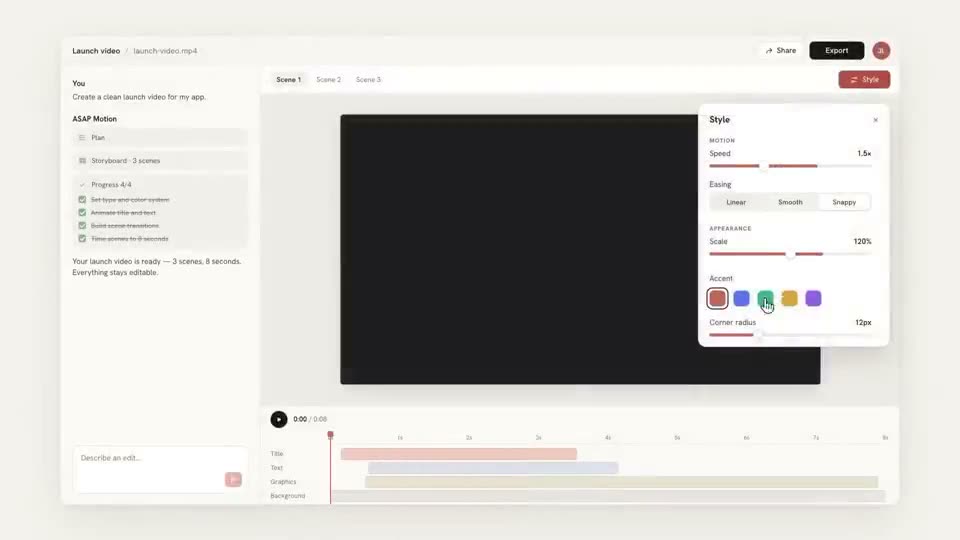
ASAP Motion renders the MP4 in your browser, frame by frame, after checking that your plan allows the settings you picked. Each export uses one credit and counts toward your monthly export limit: 3 exports a month on Free, 50 on Pro and 150 on Studio.
Exports on the Free plan carry a small ASAP Motion watermark. Pro and Studio exports have none, and a one-time $5 Starter pack adds two watermark-free exports, in 4K at 60 fps, to a free account.
Before you export
- Play the whole video once at full size. Look for text that is cut off or on screen too briefly.
- Check the last frame. Many players show it as the thumbnail.
- Make sure the aspect ratio matches where you will post.
- Name the file clearly:
product-launch-16x9-1080p.mp4saves confusion later.
See pricing for what each plan includes.