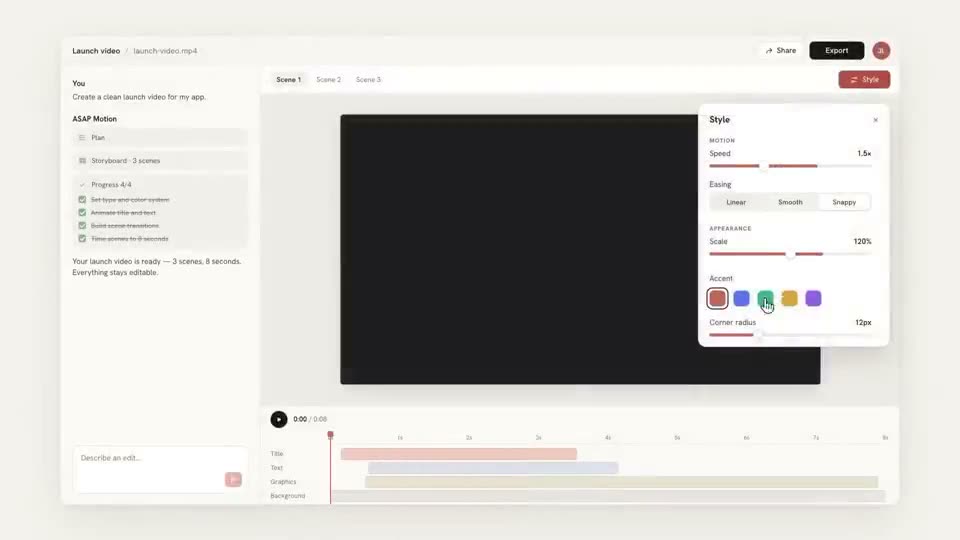
 Length 0:34
Minimal Product Walkthrough
Best for: Demoing any app in five steps with your own footage
Use case
ASAP Motion makes short product demo videos from your real app screenshots. Open a walkthrough template or describe the demo, place your screens in dashboards, chats and device frames, label each step, then retime the scenes in your browser and export an MP4. Viewers see your actual product, not an invented interface.
Updated
Take clean, full-size screenshots of the steps that matter: where the user starts, the one action, and the result. Crop out browser chrome and fake data you would not show a customer.
Start from a product demo template, describe the demo in a prompt, or paste your website into the Launch video card for a 15, 30 or 45 second film. Upload your screenshots (up to 15 MB each).
Swap your screens into each scene, give every step a one-word label, hold each scene long enough to read, then export 16:9 for your site and a 9:16 cut for social.
Paste one into the ASAP Motion prompt box, then edit the result in the browser. Change the details to fit your brand.
Example prompt
A 30-second walkthrough of a scheduling app in three steps: connect a calendar, share a booking link, see the meeting booked. Use my three screenshots, one per step, each with a one-word label.
Example prompt
A product demo for an analytics dashboard: open on the empty state, a filter is applied, the chart updates, end on "Try it free". Clean white UI, soft shadows, slow camera moves.
Example prompt
Show a copilot feature: a typed request appears in a chat panel, the answer fills in, then the result appears in the main app screen. Dark UI with one accent color.
Example prompt
A 15-second vertical demo of a mobile app: three phone screens slide in one after another, each with a short benefit label, ending on the app icon and store badge text.
A demo is a promise about the product. Use your own screenshots so what people see is what they get after they sign up.
Each scene shows one thing happening. If a step needs a sentence of explanation, split it into two scenes.
A one-word label such as "Connect", "Generate" or "Share" carries the demo with the sound off, which is how most feeds play it.
Before you export, read every word on every screen at full size. Replace any AI-generated text, numbers or logos that do not match your product.
Your UI will change. Because the demo stays an editable project, you swap the changed screen and re-export instead of remaking the video.
Four ways to show a product. They do different jobs, and many teams use more than one.
| Format | Best for | Typical length | What viewers see |
|---|---|---|---|
| Product demo video | Landing pages, sales emails, onboarding | 30 to 90 seconds | Real screens framed in motion, one step at a time |
| Launch teaser | Launch day posts, Product Hunt, social | 15 to 45 seconds | The headline benefit and a glimpse of the product |
| Interactive tour | Letting prospects click through on their own | Self-paced | Clickable screenshots with hotspots |
| Screen recording | Tutorials, support, long walkthroughs | Minutes | The live product with a cursor, usually narrated |
Every plan includes these editable templates. Open one, replace the content and export.
Length 0:34Best for: Demoing any app in five steps with your own footage
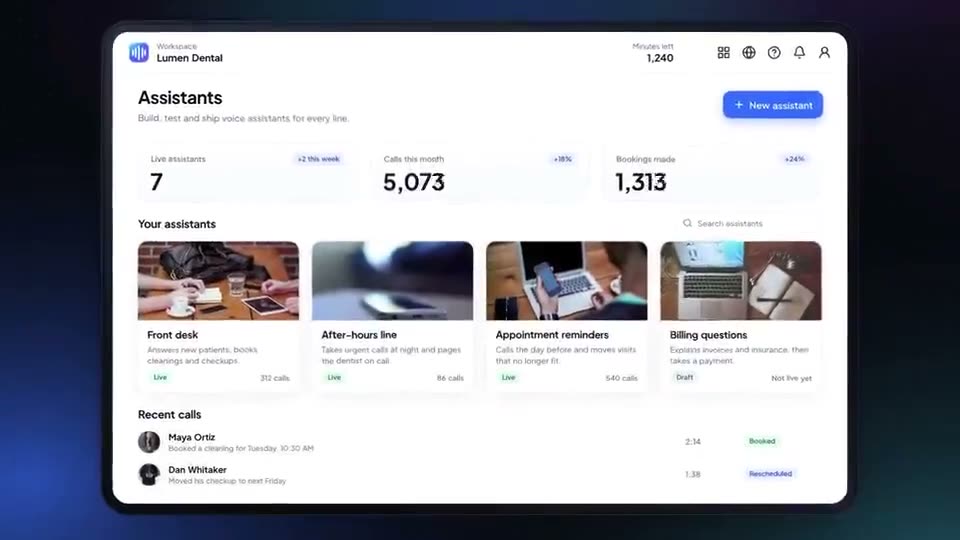 Length 0:54
Best for: AI builders, no-code tools and developer platforms
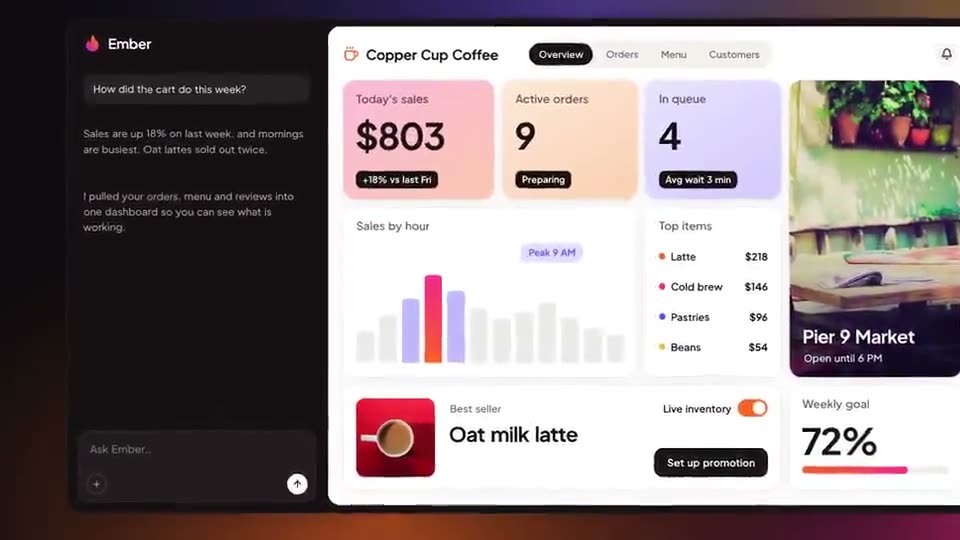 Length 1:19
Best for: Marketing, advertising and small-business tools
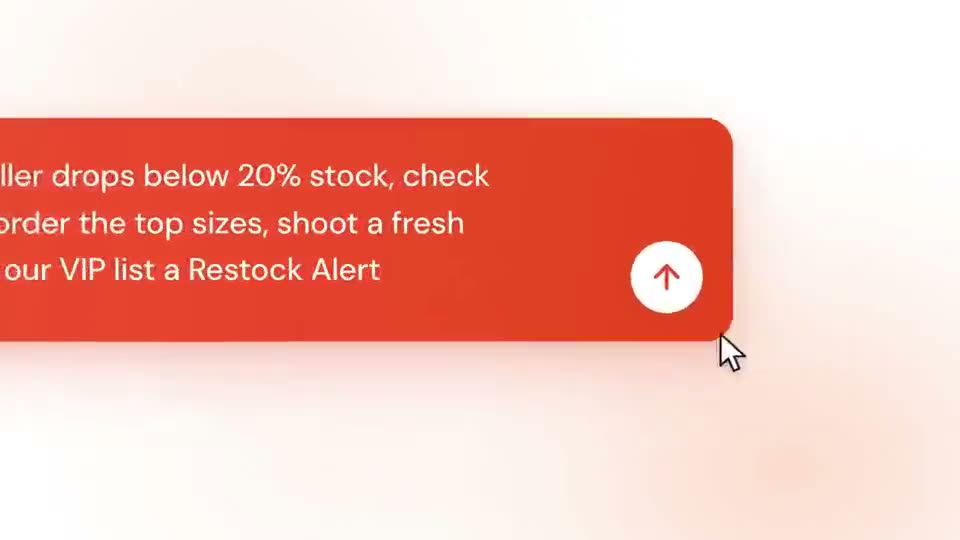 Length 0:55
Best for: Retail, fashion-tech and workflow automation explainers
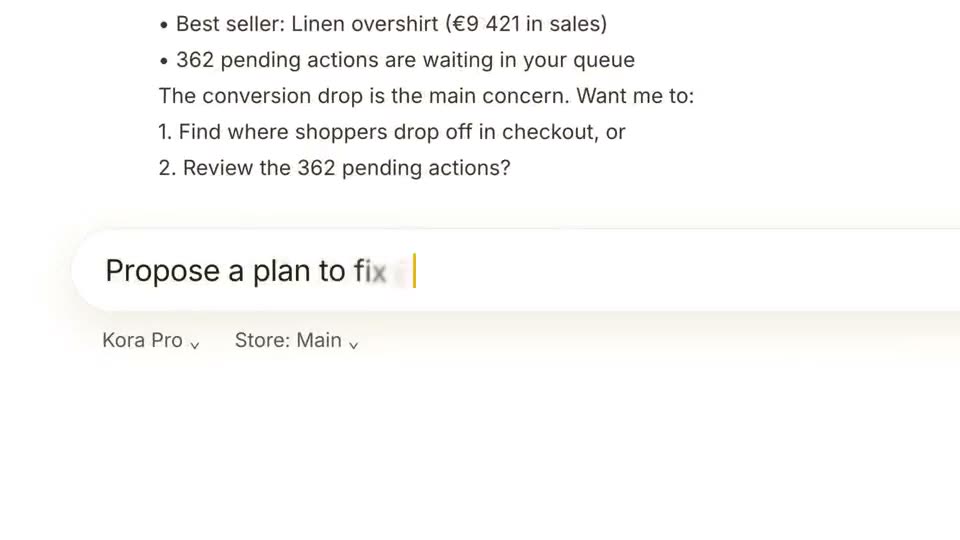 Length 0:39
Best for: AI assistant and analytics feature announcements
Yes. Upload images and video files up to 15 MB each and place them in the template screens or your generated scenes. Your plan sets the total storage: 10 MB on Free, 1 GB on Pro and 10 GB on Studio.
Everything stays editable: the text, the screens, colors, layers and the timing of each scene. When your product changes, replace the affected screenshot and export again.
Use a short motion demo when you want people to understand the product in under a minute on a landing page or in a feed. Use a screen recording for tutorials and support, where viewers need to follow every click.
Yes. The Free plan includes 10 credits and 3 exports a month at 1080p, with every template included. Free exports carry a small watermark; Pro and Studio remove it and add 4K and 60 fps.
Trusted by 1,000+ creators
Start free: describe an animation, edit it in your browser, and export an MP4.
We use cookies to understand how visitors use our site and to improve your experience. You can accept or reject analytics cookies, and change your choice at any time. Learn more in our Privacy Policy.


