The four-part structure
Almost every explainer that works follows the same four parts. The word counts below are for a 60 to 90 second video at a normal speaking pace of about 150 words a minute.
| Part | What it does | Spoken words (60 s) | Spoken words (90 s) |
|---|---|---|---|
| Problem | Names the pain in the viewer’s own words | 25 to 35 | 35 to 50 |
| Solution | Introduces the product as the way out, in one sentence | 15 to 20 | 20 to 30 |
| How it works | Three steps, each shown on screen | 70 to 80 | 110 to 120 |
| Call to action | One next step and where to take it | 10 to 15 | 15 to 20 |
Spend most of the words on “how it works”. The problem should be short enough that the viewer nods; the solution should be one sentence they could repeat to a colleague.
Write it in two columns
An explainer is half words and half pictures, so write both from the start. Put the voiceover on the left and what is on screen on the right:
VOICEOVER                                         ON SCREEN
Problem
Every Friday, someone on your team spends         A calendar with Friday blocked out:
three hours building the same report.             "Weekly report, 3 h"

Solution
[Product] writes it for you, from the tools       Logo, then the product's home screen
you already use.

How it works
Connect your sources once.                        Step 1: three source icons click into place
Ask for the report in plain words.                Step 2: the request typed into a prompt
Review, tweak a line, and send.                   Step 3: the finished report, one line edited

Call to action
Try it free at [your site].                       End card: logo, address, "Try it free"
Every voiceover line must have something on screen that shows it. If you cannot think of a picture for a line, the line is probably abstract; rewrite it until you can.
A complete 60-second template
Copy this, replace the brackets, then read it aloud with a timer.
PROBLEM (about 15 s)
[Who] spends [time or money] on [task] every [period].
It is [slow / error-prone / boring], and [consequence].

SOLUTION (about 7 s)
[Product] [does the task] for you, [key difference].

HOW IT WORKS (about 30 s)
First, [step one: setup, in one sentence].
Then, [step two: the main action].
Finally, [step three: the result and what you do with it].
[One proof point: a real customer line or a fact you can stand behind.]

CALL TO ACTION (about 8 s)
[Verb] at [address], [what they get: free plan, demo, waitlist].
Writing rules that keep it tight
- One idea per sentence. A viewer cannot rewind a sentence they missed.
- Write for the ear. Read every line aloud. If you stumble, the voice will too.
- Use the viewer’s words, not your internal feature names. “Find the right person to ask” beats “Expert Graph”.
- Be specific. “Saves three hours every Friday” is a picture; “boosts productivity” is not. Only claim what you can back up.
- Cut adjectives first when the script runs long. Then cut the second example. Then cut the setup.
- End on one call to action. Not a website, an app store link and a newsletter.
On-screen text vs voiceover
Many explainers are watched muted. Plan for it:
- Put the key phrase of each part on screen, three to eight words, not the whole sentence.
- Never put a different sentence on screen than the one being spoken at the same time; viewers read and listen, and the two fight.
- Add captions to the final export so the full script is available with the sound off.
If you skip voiceover entirely, a 60-second explainer needs only 80 to 120 words of on-screen text.
Test before you animate
- Read it aloud with a timer. If it runs long, cut; do not plan to talk faster.
- Show it to someone outside the team and ask them to explain the product back. If they cannot, the “solution” sentence needs work.
- Check every claim against your own site. If it is not there, either add the proof or remove the claim.
Turn the script into a video
In ASAP Motion you can go from script to an editable explainer two ways:
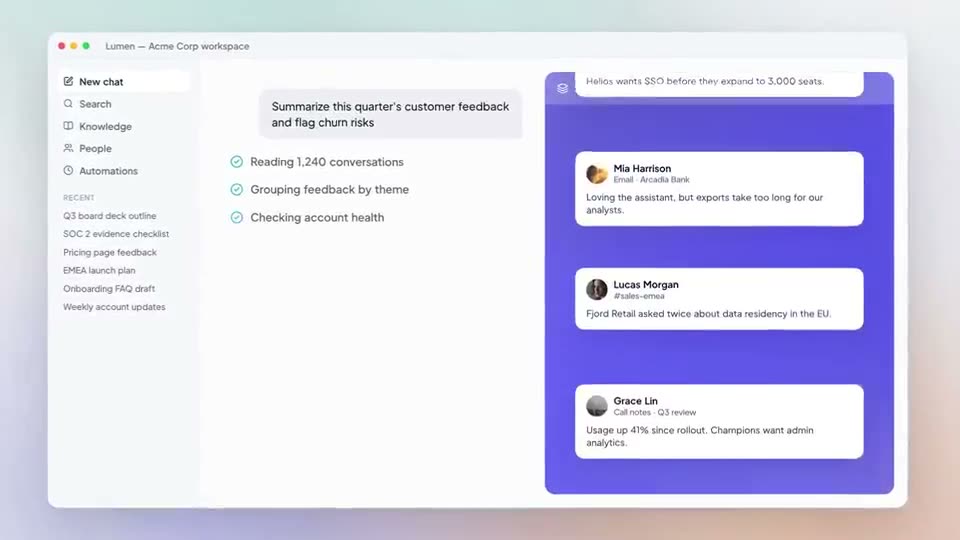
- From a template. Open an explainer-style template such as Editorial Data Explainer or Fashion AI Agents Explainer, or a multi-demo film like Enterprise AI Chat Launch, then paste each part of the script into the matching scenes and swap in your screens.
- From a prompt. Paste the two-column script as the brief, with your product name in quotes and your screenshots attached as references. Then edit the result line by line.
Retime scenes so each line holds long enough to read, and export an MP4. For more on the format, see the explainer video use case; for shorter launch scripts, see the launch video script template.