Motion graphics, defined
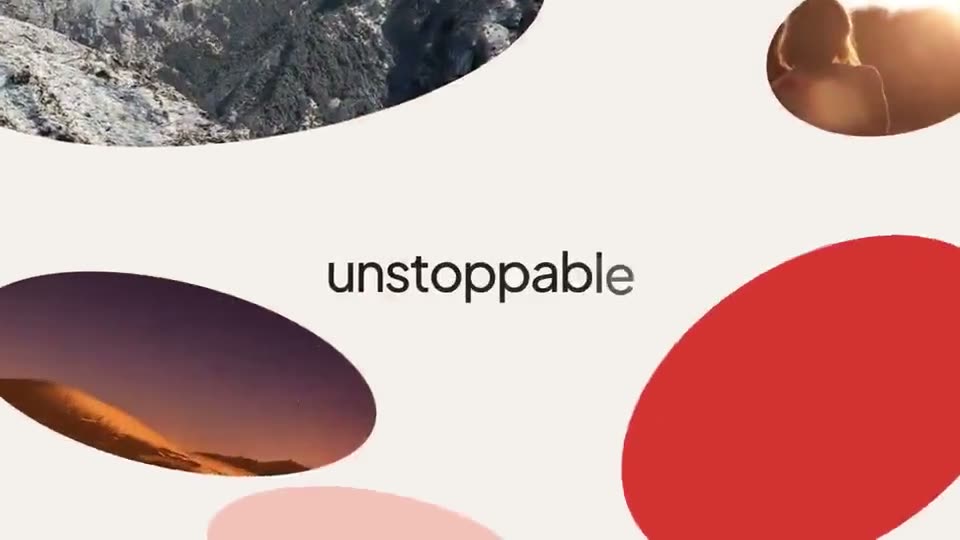
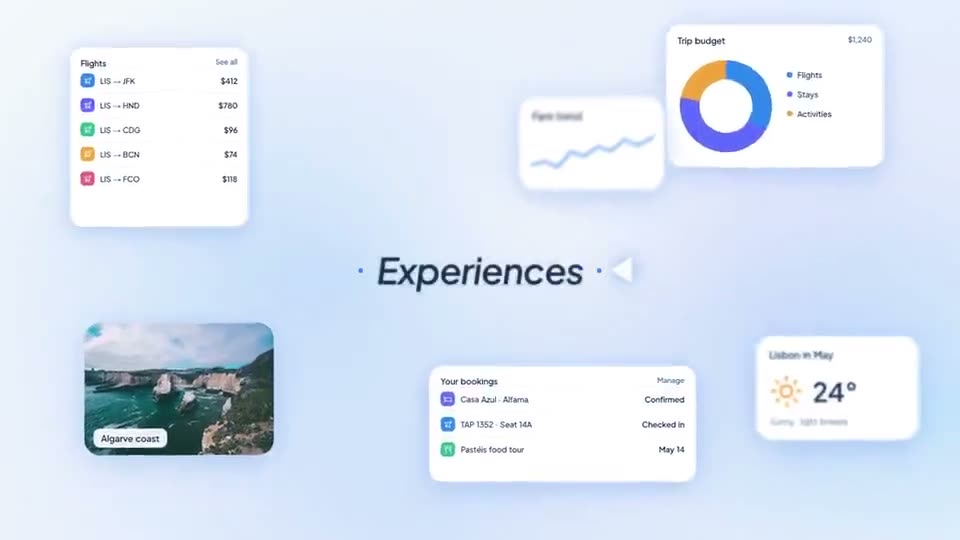
Motion graphics are graphic design set in motion. The building blocks are the same ones a designer uses on a poster or a web page (type, shapes, icons, color, images, charts and interface screens), and the craft is in how they move: when each element arrives, how it eases in, what it hands off to, and how long it holds so people can read it.
The name comes from the idea of “moving graphics” rather than moving characters. A motion graphics video rarely has a protagonist. Its job is to explain, announce or sell something, clearly and quickly, usually in under two minutes.
Motion graphics vs animation vs video
The three terms overlap, and people use them loosely. The useful distinction is what the video is made of and what it is for.
| Motion graphics | Character animation | Live-action or AI video | |
|---|---|---|---|
| Made of | Type, shapes, icons, charts, screens, logos | Drawn or modeled characters and worlds | Filmed or generated footage |
| Main job | Explain, announce, sell | Tell a story | Show a real scene or person |
| Typical length | 10 to 120 seconds | Seconds to hours | Any |
| Text on screen | Central, and must be exact | Occasional | Occasional |
| Typical tools | After Effects, template editors, prompt-first AI tools | Toon Boom, Blender, Maya | Cameras and editors, AI video models |
Most launch videos, explainers and product demos are motion graphics, sometimes with a few shots of footage mixed in. If the video needs your exact headline, your logo and your real screenshots, it is motion graphics work, whatever tool you use.
The common types
- Kinetic typography. Words are the visuals: they slide, scale, decode and swap places in time with a voiceover or music. Good for quotes, manifestos and hooks. See the kinetic typography use case.
- Logo animation. A short sting that reveals a mark, used at the start or end of every other video. See how to animate a logo without After Effects.
- Explainer videos. A problem, a solution and how it works, in 60 to 90 seconds. See the explainer video use case and the explainer script guide.
- Product launch and demo videos. Real product screens framed, labeled and paced so a viewer understands what the product does in under a minute.
- Data and editorial graphics. Animated charts, figures and headlines, as in news explainers and investor updates.
- Titles, lower thirds and end cards. The graphic layer on top of footage: names, captions, chapter titles and calls to action.
- Social motion posts. Short, often vertical, loops built to stop a scroll and read with the sound off.
Where teams use motion graphics
Motion graphics turn up wherever something has to be understood fast:
- landing page heroes and product pages,
- launch posts on LinkedIn, X and Product Hunt,
- feature announcements in changelogs and release emails,
- paid social ads,
- onboarding and help content,
- conference screens, sales decks and investor updates,
- YouTube intros, chapter cards and end screens.
How motion graphics are made
There are three ways to make them, and many teams use more than one.
- Animate by hand. A motion designer builds every element in a tool such as After Effects, setting keyframes for position, scale, opacity and timing. Total control, and the most time per video. The After Effects alternatives guide covers the other desktop and browser tools.
- Start from a template. A designer has already built the motion; you replace the words, screens, colors and logo. Fast and consistent, as long as a template fits your story. Browse motion graphics templates.
- Generate with AI. You describe the video, or paste your website, and a prompt-first tool builds an editable project you then refine. The quality of the result depends heavily on the brief; see how to write prompts for AI motion graphics.
What makes motion graphics good
Polish comes from a handful of principles, whichever way you make the video:
- One idea per scene. If a scene needs two sentences to explain, it is two scenes.
- Hierarchy. The most important word is the biggest or the first to move. Everything else waits.
- Easing, not linear moves. Elements accelerate and settle like physical objects. Linear motion reads as mechanical.
- Holds long enough to read. A useful rule is about a third of a second per word on screen, plus a beat.
- Consistent motion language. The same kind of entrance, the same direction of travel, the same transition between similar beats.
- Readable on a phone with the sound off. Most people first meet your video in a feed, small and muted.
- Real content. Real screens, real words and your real logo. Viewers can tell when an interface is invented.
Make motion graphics in ASAP Motion
ASAP Motion is a browser-based AI motion graphics generator and editor. You can start three ways:
- Describe the video in a prompt, optionally with an image or video reference.
- Paste your product website or a short brief into the Launch video card, confirm the storyboard it proposes, and get a 15, 30 or 45 second launch video.
- Open one of the editable templates and replace the copy, screens and logo.
Then edit text, colors, layers, media and timing in the browser and export an MP4 in 16:9, 9:16 or 1:1. There is a free plan; free exports are 1080p with a small watermark.
A short glossary
| Term | Meaning |
|---|---|
| Keyframe | A point in time where you set a value, such as position or opacity. The tool animates between keyframes. |
| Easing | How a value speeds up and slows down between keyframes. “Ease out” means fast start, gentle stop. |
| Hold | Time an element stays still so it can be read. |
| Transition | How one scene hands over to the next: a cut, a wipe, a push or a match. |
| Lower third | A caption in the lower part of the frame, usually a name and title. |
| End card | The final frame: logo, call to action and where to go next. |
| Aspect ratio | Frame shape: 16:9 landscape, 9:16 portrait, 1:1 square. |