Why quote videos are a good first project
An animated quote is one of the simplest motion graphics: a sentence, a source and a bit of movement. It is useful for opinions, customer feedback you have permission to share, product principles and short lessons. It also teaches the core of all text animation: legibility, pacing and restraint.
Choose words that fit a frame
A quote that is too long cannot be read comfortably in a short video. A practical limit is one sentence, often under fifteen words. If your source is a paragraph, cut it to the sentence that carries the point and make sure it still means the same thing.
Check permission and accuracy before you design anything:
- Your own words: no problem.
- A customer or colleague: get written permission to publish the quote and the name.
- Someone else’s published work: use a short excerpt only where you are allowed to, and credit the source. Do not alter the meaning.
- Made-up testimonials: never. A quote card that looks like a real customer but is not will damage trust.
Design the still frame first
Pick one layout and keep it simple:
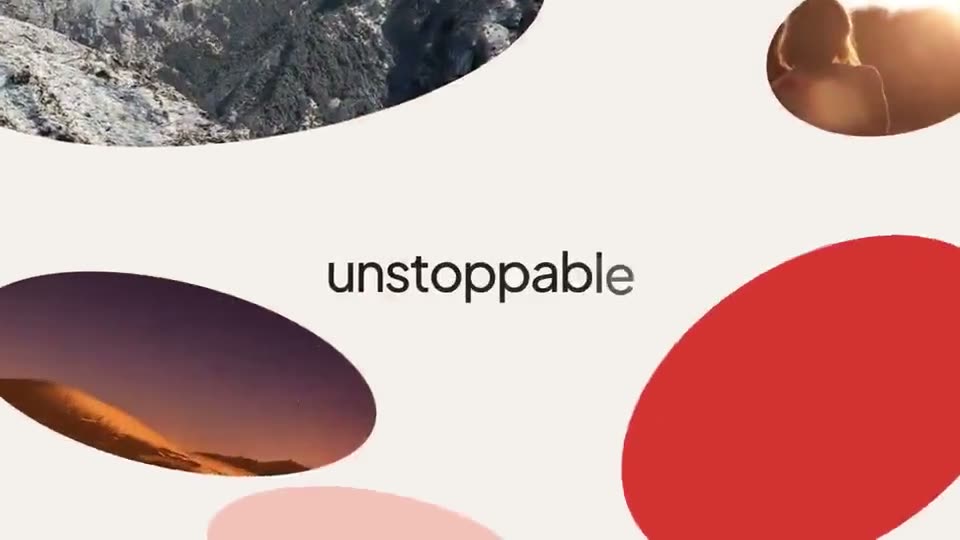
- The quote in large type, left- or centre-aligned, with plenty of space around it.
- The attribution in a smaller size beneath.
- A background that does not fight the text: a solid colour, a soft gradient or a simple image treatment.
- Your logo in a fixed corner or at the end.
Check contrast and size on a phone-sized preview. Type that looks fine in the editor can be too small once the video is in a feed.
Time the reading
Give the viewer time to read. A rule of thumb, not a standard: allow roughly a third of a second per word, plus a second to settle. A twelve-word quote then needs about five seconds on screen, in addition to any entrance and exit.
| Time | Movement | Purpose |
|---|---|---|
| 0–1 s | The quote’s first line is already on screen or enters quickly | Start the reading |
| 1–6 s | Remaining words appear in step with reading, then hold | Deliver the message |
| 6–8 s | Attribution fades in | Credit the source |
| 8–10 s | Logo and handle hold | Identify the account |
Movement should support reading order. Reveal the words in the order they are read, avoid motion that crosses the screen, and do not animate letters so aggressively that the sentence is hard to parse.
Describe it clearly
Ask for the exact words, the layout, the pace and the ending:
Create a 10-second 1:1 animated quote. The quote is “Clarity beats cleverness.” Set it in large dark type on a warm off-white background. Reveal the words one at a time in reading order, then hold the finished sentence. Add the attribution “Your Name, Your Role” beneath it, then my logo. Use exact text and keep all text readable on a phone.
If you want a more energetic style, start from a template. Then replace every word, name and image. The prompt guide has additional ways to describe motion and the kinetic typography use case shows how to structure type-led scenes.
Pick a format for the post
Square (1:1) is a strong default for feed posts. Choose 9:16 for Reels, TikTok and Shorts, and 16:9 if the quote will appear in a presentation or on a website. Build the largest-use version first; you can adapt the rest from it. See social media video formats for safe areas and export advice.
Review before you post
- Read the quote aloud against the final video. Is it identical to the approved text?
- Is the attribution correct and permitted?
- Does every word stay long enough to read at phone size?
- Does it work without sound?
- Does the end card hold long enough?
Export an MP4 and post it natively. Free-plan exports carry a small watermark; paid plans do not.
Turn one quote into a series
Once a layout works, reuse it. Keep the same type, margins, colours and ending, and change only the words. A consistent series is easy to recognise in a feed, and it makes each new quote quick to produce. For a portrait variant, see vertical video for motion graphics.