This guide is about making videos, not legal advice. Financial promotions are regulated differently in each country and product category; have your compliance team or adviser review the script and the final cut.
Why fintech videos are different
Most product videos are judged on whether they are clear and exciting. Fintech videos are also judged on whether they can be trusted with money, and often on whether they meet the rules for financial promotions. That changes a few defaults:
- figures on screen are read as promises,
- motion that feels flashy reads as risky,
- small print matters, and has to be readable,
- every claim may need to be backed up.
The good news: the habits that keep a fintech video compliant are the same ones that make it feel trustworthy.
Show one money task, end to end
Pick the single task that best shows the product, and show it from start to finish on real screens:
| Product | A task worth showing |
|---|---|
| Business banking | Opening an account, or paying an invoice |
| Payments | A customer paying, and the money arriving |
| Spend management | A card purchase becoming a categorized expense |
| Investing or trading | Building a watchlist or placing a practice order |
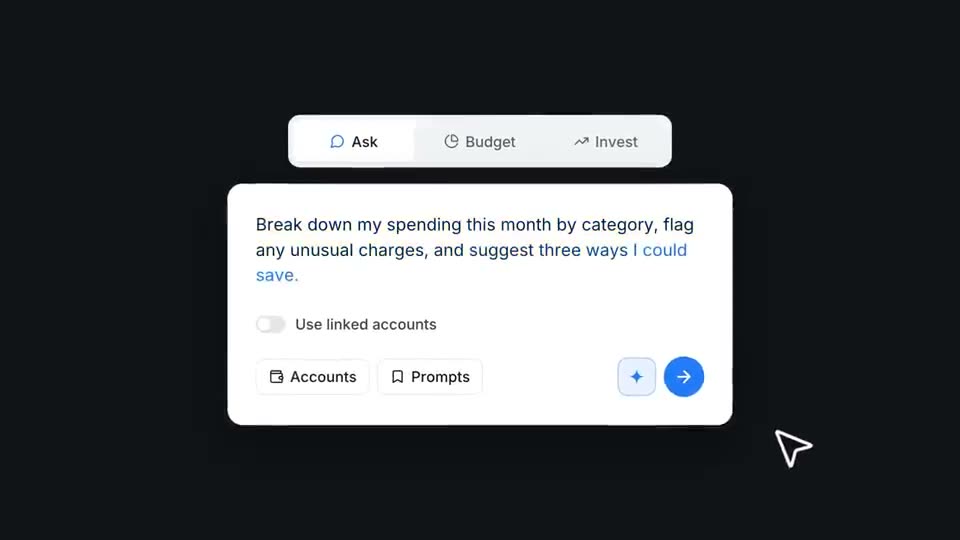
| AI finance assistant | A question about spending, answered with the data behind it |
One complete task beats a montage of features. It also gives compliance one flow to review instead of ten.
Numbers: precise, sample, dated
Figures are the heart of most fintech videos and the most common problem.
- Use clearly sample data on product screens: round names like “Sample Co”, obviously illustrative balances.
- Use real figures only when you can stand behind them, such as a customer count or volume from your own reporting, and date them (“as of October 2026”).
- Never imply returns. A rising chart next to the word “invest” says more than you mean it to.
- Check every frame, including figures in the background of a screen.
AI Finance Platform Launch uses a single huge figure sweep; it works because the figure is one the company can verify.
Claims to rewrite
Some words are risky in almost every market. Rewrite them into what the product actually does:
| Risky | Safer |
|---|---|
| Guaranteed, risk-free | Describe the actual protection, if there is one, as your compliance team words it |
| Instant (when it is not always) | “Usually within minutes” or the real typical time |
| Free (with conditions) | Name the conditions, or leave the word out |
| Best rates | The specific rate, with the date and conditions |
| Make money while you sleep | Remove |
Disclosures on screen
If your product needs a disclosure, plan it into the video rather than adding it at the last minute:
- put it as a text layer on the end card or alongside the claim it qualifies,
- make it large enough to read on a phone,
- hold it long enough to read: roughly a third of a second per word, plus a beat,
- keep it in the vertical and square cuts too, not only the 16:9 master.
Visual tone: calm and precise
Trust has a look:
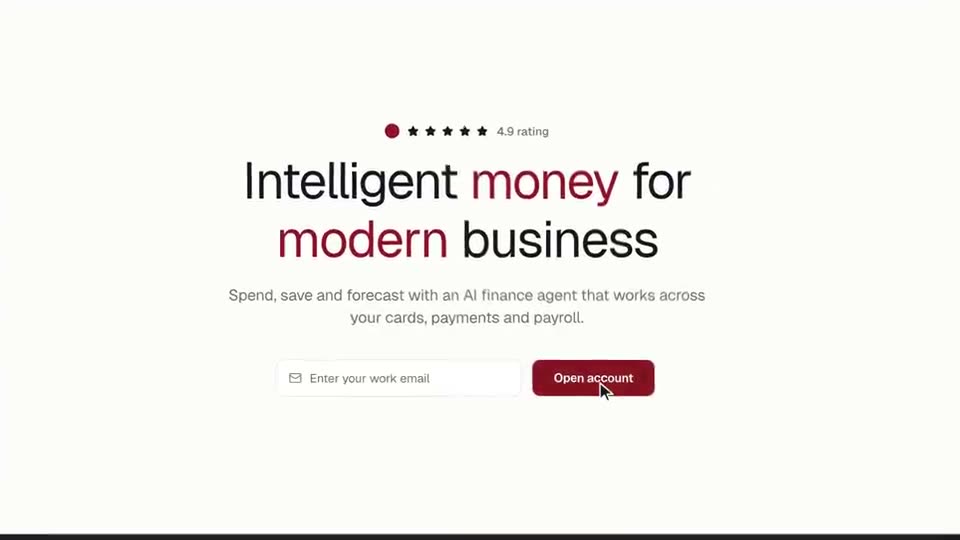
- One accent color on a quiet ground, like the deep red on warm grey in AI Finance Platform Launch.
- Restrained motion. Eased slides and fades, not spins and glitches.
- Legible figures. Tabular numbers that do not jump in width as they count.
- Space around data. Slow the scenes that show dashboards rather than shrinking the type.
A review workflow that does not stall the launch
- Write the script and the list of every claim and figure in it, with the source of each.
- Send both to compliance before you build the video.
- Build the video from the approved script.
- Export a draft and send the cut, not just the script, for the final review: figures in screenshots and timing of disclosures are only visible in the cut.
- Keep the approved project. When a figure changes, edit that layer and export again instead of starting over.
Build it in ASAP Motion
- Open a fintech template: AI Finance Platform Launch for a launch, Finance Assistant Teaser for a 25-second AI assistant teaser, or Fintech Advisor Film for a longer advisory story.
- Replace the figures, screens and copy with your approved versions. Figures and labels are text you can edit in the browser.
- Add your disclosure as a text layer on the end card.
- Export an MP4 for review, then the final 16:9 and vertical cuts.
For capturing and checking product screens, see AI product demo from real screenshots.