What a portfolio intro is for
A portfolio intro video does the job of the first ten seconds of a meeting. It tells a client or recruiter who you are, what you make and what working with you feels like, before they decide whether to open your case studies.
Use it:
- at the top of your portfolio site,
- in your LinkedIn Featured section,
- as a pinned post on Instagram or a reel on your profile,
- at the start of a pitch deck or a credentials email,
- as the cover of a Behance or Dribbble profile where video is allowed.
The structure
| Beat | What to show | Length (30 s) |
|---|---|---|
| Hello | Your name and your craft, in one line | 3 to 4 s |
| Work | Three to six pieces of real work, fast | 12 to 15 s |
| Point of view | One line on how you work or what you believe | 4 to 6 s |
| Proof | A client name, a result, or a quote you can show | 3 to 5 s |
| Contact | Your name again, and how to reach you | 3 to 4 s |
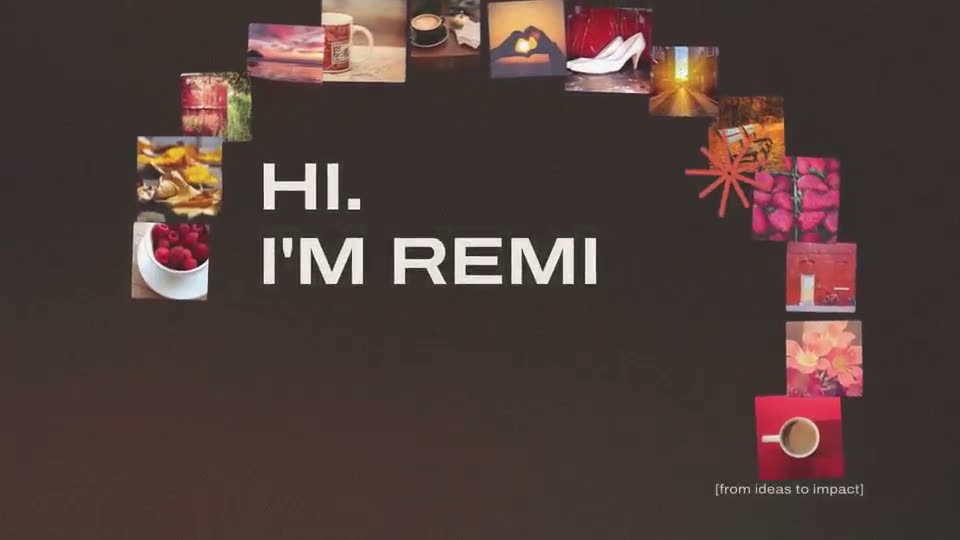
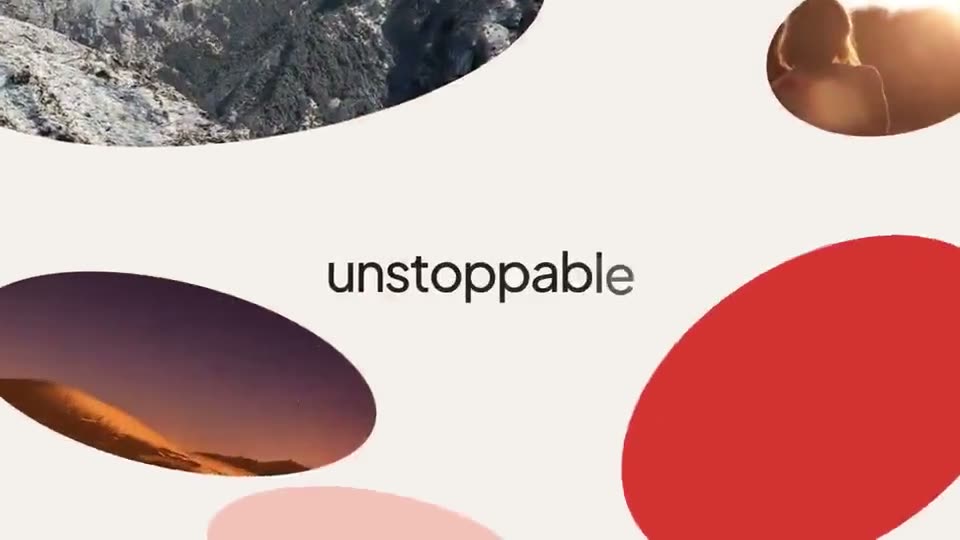
Personal Portfolio Intro follows this arc in 27 seconds: a photo trail, giant letters, a wall of opinions and a closing ribbon with your name.
Choose the work
The work section decides whether anyone keeps watching. A few rules:
- Fewer, better. Three strong pieces beat ten mixed ones.
- Lead with the work you want more of. The intro sets expectations for the next brief you get.
- Show the moment, not the whole project. One frame or a two-second clip per piece is enough.
- Credit and permission. Only show client work you are allowed to show, and credit collaborators where it matters.
Show some personality
Clients hire people, not portfolios. One line of point of view, a strong opinion, a habit, a dry joke, makes you memorable. Keep it to one, and make sure it is true.
Type, color and music
- One accent color and one typeface family. The work should be the loudest thing on screen.
- Big type. Names and lines should read on a phone at a glance.
- Music that matches the work. Calm work, calm track. Check the license allows use on your site and social channels.
- Works muted. Every line should be on screen, not only in a voiceover.
Formats
Export each format you need from the same project:
| Where | Format |
|---|---|
| Portfolio site, LinkedIn, pitch decks | 16:9 landscape |
| Instagram Reels, TikTok, YouTube Shorts | 9:16 portrait |
| Feed posts | 1:1 square |
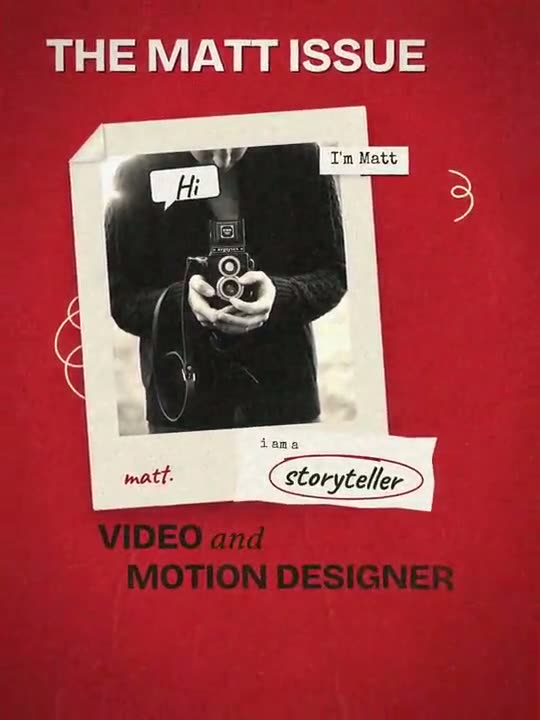
For vertical, keep text away from the top and bottom edges where app buttons sit; the vertical video guide covers safe zones. Scrapbook Portfolio Reel is a ready-made portrait option with polaroids and handwritten labels.
Build it in ASAP Motion
- Open Personal Portfolio Intro for a bold 16:9 intro, or Scrapbook Portfolio Reel for a portrait one.
- Replace the name and hello line, then drop your work images and clips into the photo scenes (images and video up to 15 MB each).
- Rewrite the opinion lines in your own voice.
- Swap the accent color for yours and put your logo or signature on the end card.
- Export an MP4. Free exports are 1080p with a small watermark; paid plans export without it, up to 4K.
For a quote or manifesto instead of a full intro, Kinetic Quote Collage is a 12-second alternative. To give your own logo a reveal, see how to animate a logo without After Effects.
Checklist
- Your name and craft are on screen in the first three seconds.
- The work shown is the work you want more of, and you are allowed to show it.
- There is one line that sounds like you.
- It works muted and on a phone.
- The last frame says how to reach you.