When a Reel doesn’t need a camera
Plenty of useful Reels contain no footage at all: a product announcement, three tips, a quote, a weekly recap, a feature walkthrough made from screenshots. Designed motion suits these because the message is already text and visuals you control.
It is a poor fit when the point is a person: a founder’s story, a customer reaction, behind-the-scenes footage. Use a camera for those, and use motion graphics for the parts that explain.
This guide builds a 15-second Reel from scratch. The timings are an exercise to adapt, not a promise about how any Reel will perform.
Plan five short beats
A short vertical video needs fewer ideas than you think. Five beats fill 15 seconds:
| Time | Beat | Example on-screen copy |
|---|---|---|
| 0–2 s | Hook | “Stop exporting the same video three times” |
| 2–5 s | The problem or promise | “One project. Three formats.” |
| 5–10 s | The proof | A product screen with one highlighted control |
| 10–13 s | The payoff | “Reels, feed and YouTube in minutes” |
| 13–15 s | The ask | “Try it free: link in bio” |
Write the exact words before you generate anything. Short, specific lines survive on a small screen; paragraphs do not. For more openers, see social video hooks.
Set the canvas and the safe area
Choose 9:16, which is 1080 × 1920 in ASAP Motion. Keep headlines in the middle of the frame and leave room at the top and bottom for the app’s own interface. If you want the Reel to be reused as a feed post later, keep the key content in a central square.
Generate or adapt the first cut
You have two starting points in ASAP Motion:
- Describe it. Give the format, the exact copy, the order and the ending.
- Adapt a template. Open one that already has the pacing you want and replace its text, media and colours.
A prompt that works for this Reel:
Create a 15-second 9:16 Reel. Open on the headline “Stop exporting the same video three times” in large bold type, held for two seconds. Then show “One project. Three formats.” Next, show my uploaded product screenshot with one control highlighted. End on “Try it free: link in bio” and my logo. Use exact text, large type centred in the frame, and keep every line under six words.
Naming the exact words matters. A vague brief invites the generator to invent copy, and an invented claim is easy to miss when you are watching motion rather than reading.
Revise in the right order
- Words first. Restore any text that was paraphrased.
- Frame by frame. Pause each scene. Is anything cropped, small or colliding?
- Timing. Every line needs about a second and a half on screen to be read comfortably. Lengthen scenes that rush; trim the ones that wait.
- Hook check. Look at the very first frame alone. Would it make sense as a still?
- Ending. Hold the final call to action long enough to read it.
Export and post
Export an MP4. 1080p is plenty for Reels, because Instagram recompresses uploads; the export settings guide explains when 60 fps or 4K is worth choosing. Upload the file from the app rather than sharing a link. Free-plan exports carry a small ASAP Motion watermark, and paid plans export without one.
Add a caption that does the job the video cannot: context, a link instruction and relevant words people would search. Keep any claim in the caption as accurate as the claim in the video.
Reel ideas that work without footage
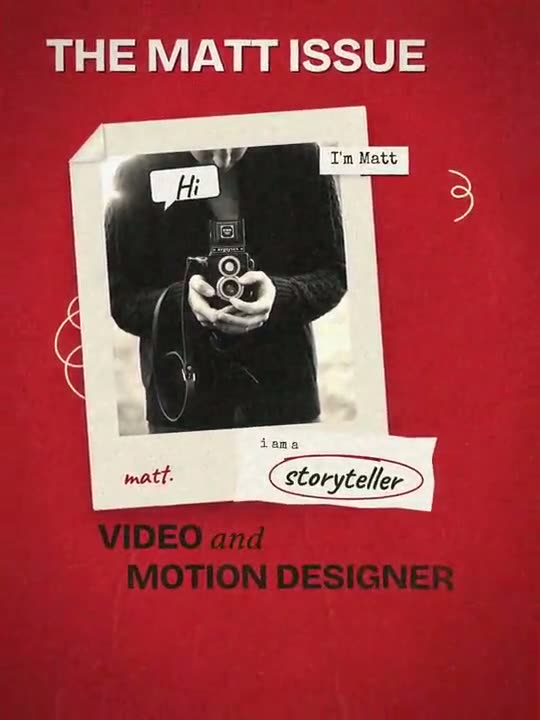
- A quote or opinion in large type, built from the Kinetic Quote Collage layout.
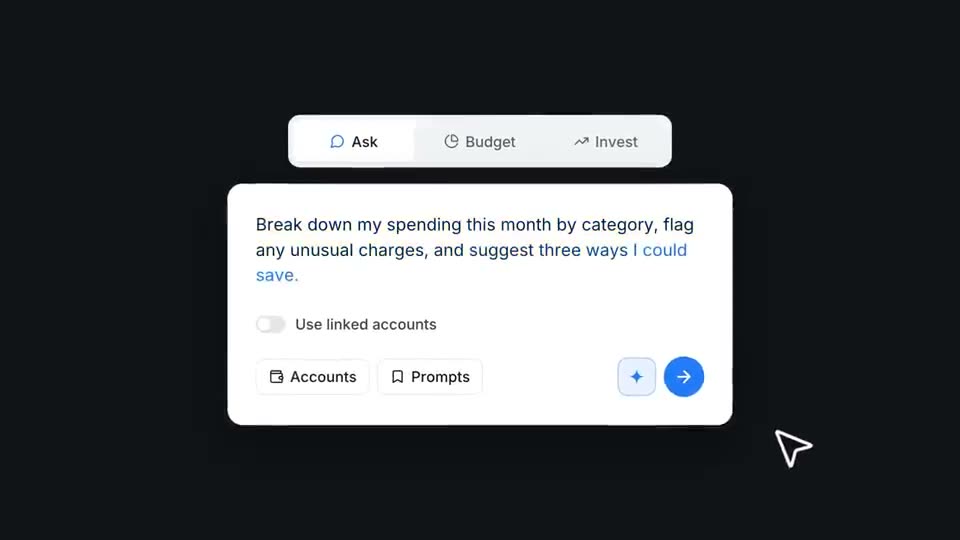
- A single-feature teaser, like the Finance Assistant Teaser structure applied to your product.
- A three-tip list, one tip per scene.
- A before and after built from two screenshots.
- A weekly or monthly recap with a count-up number.
Make one, publish it, then reuse the same layout for the next. A consistent look across a series is easier to recognise than any single clever video. The social media animation page has more prompts.